

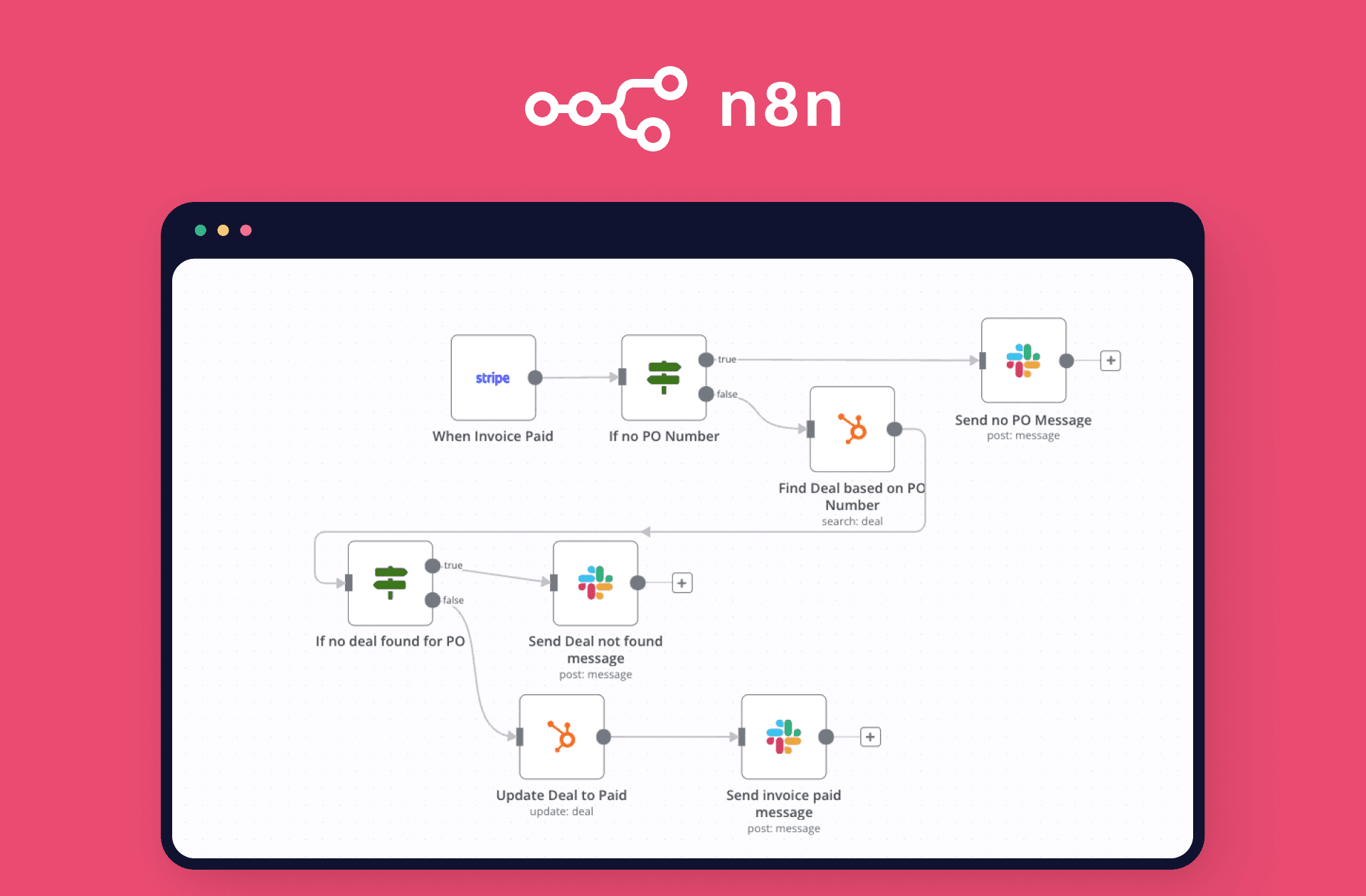
If you’re looking to automate tasks and enhance the efficiency of your workflows, n8n is an excellent tool. One of the most powerful features of n8n is its public API, which allows you to perform many of the same tasks programmatically that you can do in the graphical interface. In this article, we’ll show you where to create your API Key in n8n to duplicate your workflows.

Step 1: Access the Settings
First, log in to your n8n account. Once inside, navigate to the Settings section. This section is usually found in the main menu of the application.
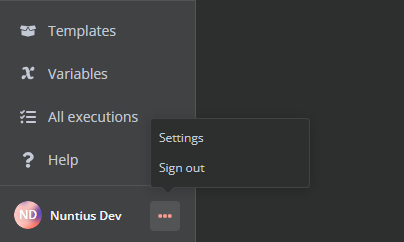
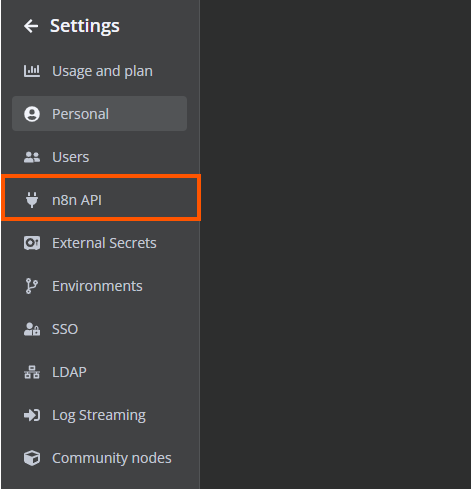
Step 2: Generate Your API Key
Within the settings section, look for the n8n API option. Here, you’ll find the option to create a new API Key. Click on Create API Key.
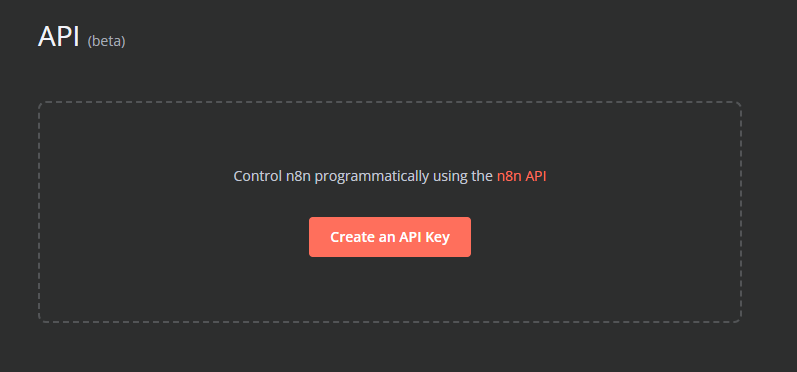
Step 3: Save Your API Key
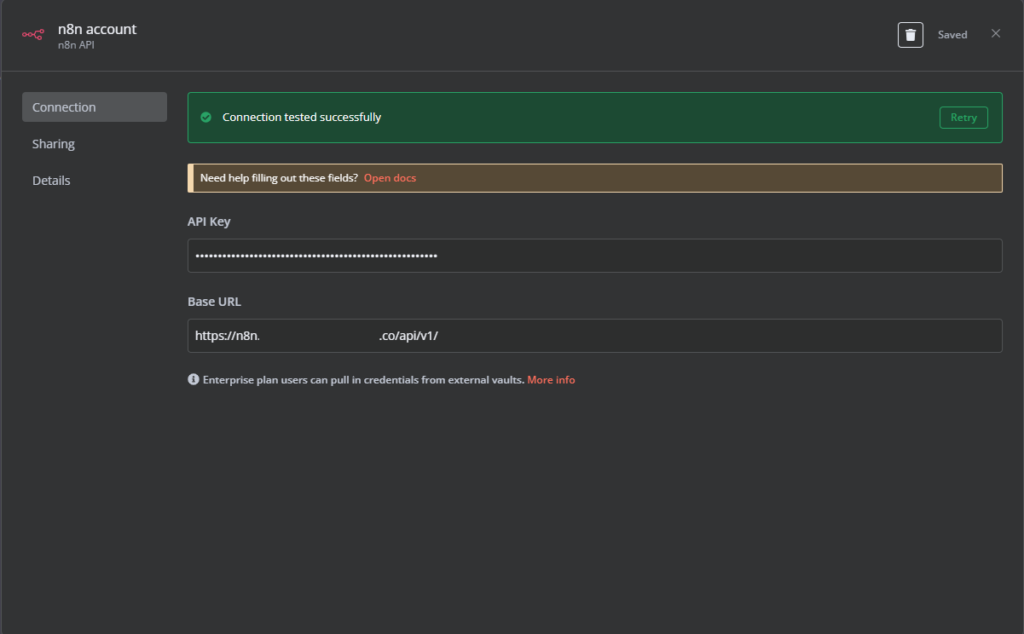
Now in the n8n node, click create account or edit, click your token and click your base url: https://subdominio.dominio.com.co/api/v1/
Click test connection and save, then select that account in the N8N node.
Once generated, make sure to copy and save your API Key in a secure place. This key will be necessary to authenticate your requests to the n8n API.
Important Considerations
- Feature Availability: The n8n API is not available during the free trial period. You will need to upgrade your plan to access this feature.
- Authentication: Ensure you authenticate your requests correctly using the API Key.
- Using the Playground: If you are using a self-hosted instance of n8n, you can try out the API in the integrated playground to familiarize yourself with its functionality without affecting live data.
Additional Resources N8N
If you are new to using REST APIs, here are some resources that might be helpful:
- KnowledgeOwl’s Guide to APIs: A basic introduction with examples of how to call REST APIs.
- IBM Cloud Learn Hub – What is an API?: A general, technical introduction to APIs.
- IBM Cloud Learn Hub – What is a REST API?: More detailed information about REST APIs.
- MDN Web Docs – An Overview of HTTP: REST APIs work over HTTP and use HTTP verbs to specify the actions to perform.
Conclusion
Creating your API Key in n8n is a straightforward process that allows you to fully leverage the automation capabilities of this tool. Follow these steps and start integrating n8n into your workflows today.