Volver al inicio

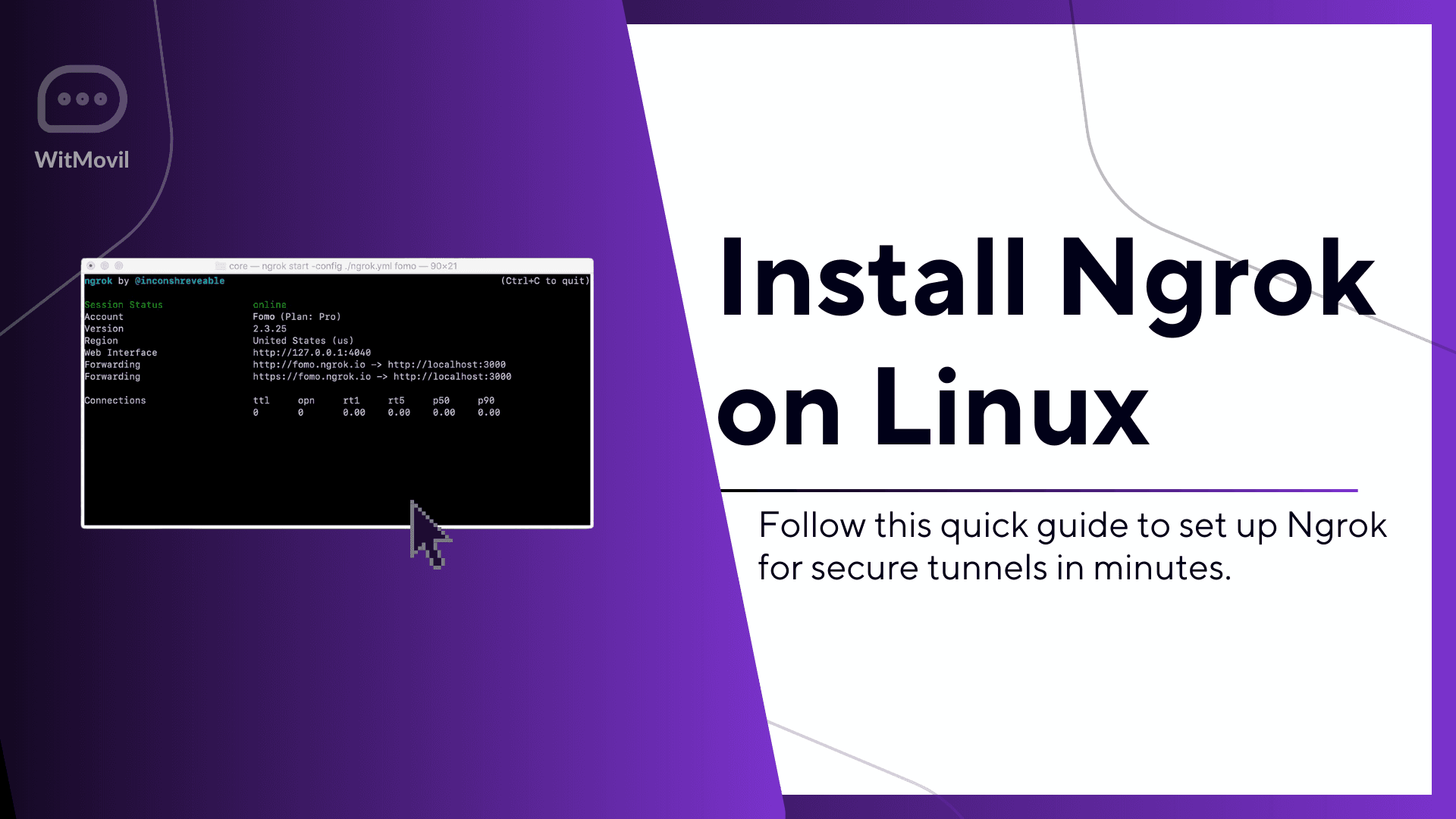
Install Ngrok on Linux Quickly Using Simple Shell Commands
Escrito porJeyson Orozco
1 de marzo de 2025
Ubuntu
Ngrok is an essential tool for developers looking to expose local servers to the internet securely. This guide will show you how to quickly install and set up Ngrok on your Linux system using Git and a ready-to-run shell script.

Steps to Install Ngrok:
- Update Your System:
Ensure your package manager is up to date:apt update -y - Install Git:
Git is required to clone the repository:apt install git - Clone the Ngrok Repository:
Use Git to clone the installer repository:git clone https://github.com/nuntius-dev/ngrok - Run the Installation Script:
Navigate to the repository and run the script:cd ngrok bash install.sh - Verify the Installation:
After installation, you can verify Ngrok by running:ngrok version
Congratulations! Ngrok is now installed and ready to use. You can expose your local server by running a command like:
Code
Why Use Ngrok?
- Securely expose your local development server to the internet.
- Debug webhooks from third-party services.
- Share your projects without deploying them to production.
Ngrok simplifies local development and testing for web developers and is an indispensable tool for any Linux user.